X-GAME · Windows
X-Amethyx Launcher
Our launcher for Minecraft: Java Edition — mods, skins and friends in one window. Free, for Windows 10 and 11.
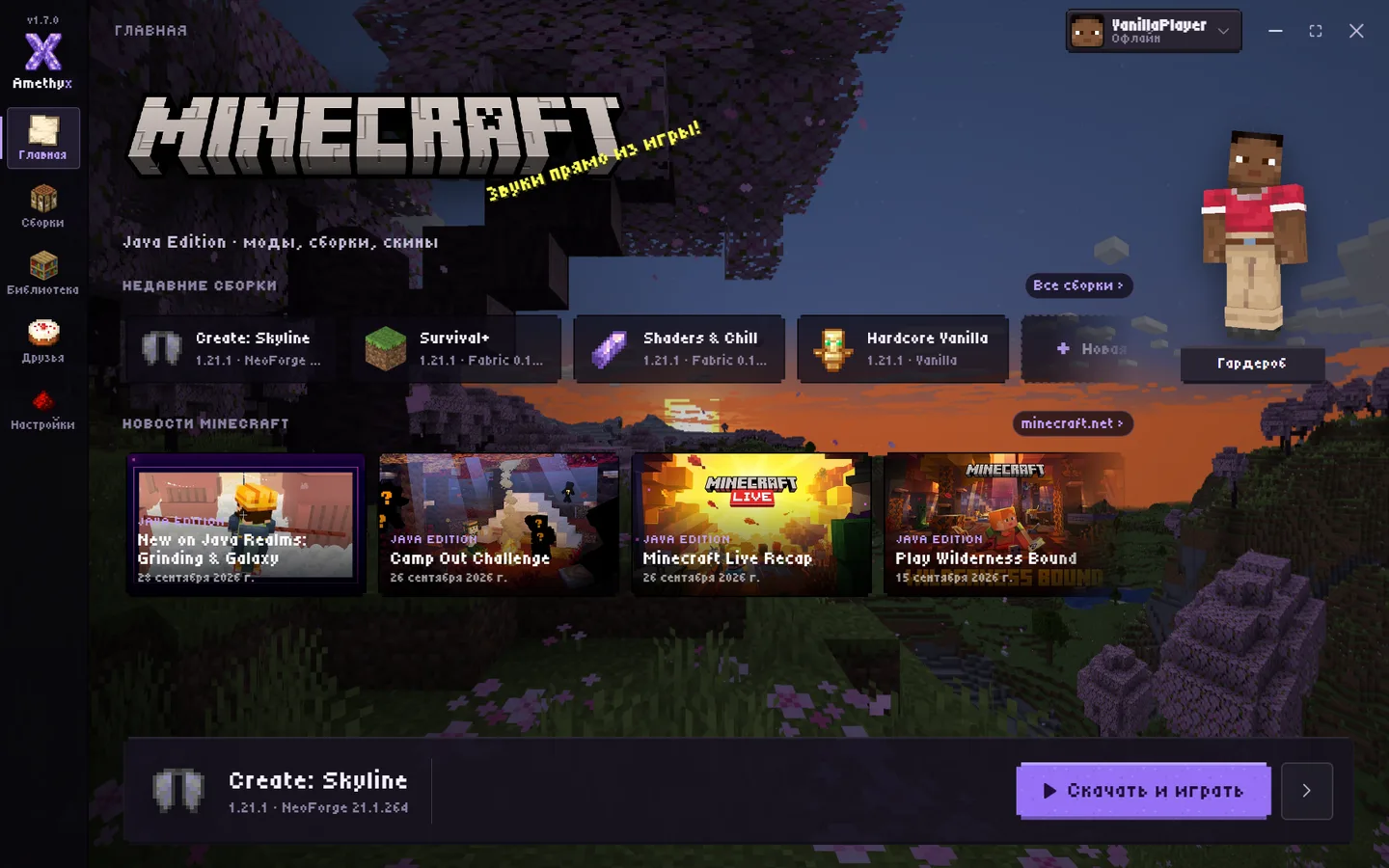
What the launcher does
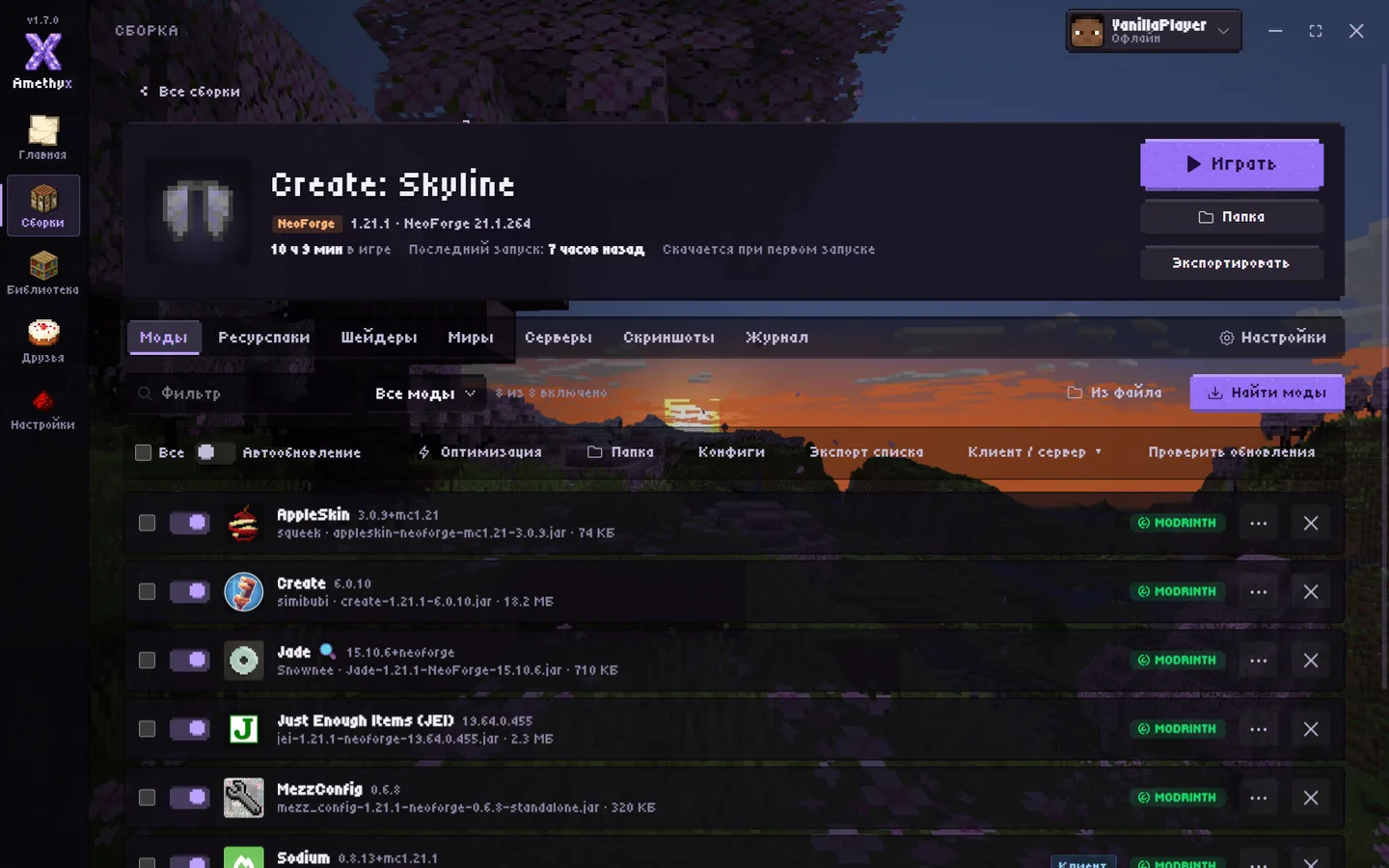
- Instances like in Prism Launcher: any game version and mod loader, its own Java and memory for each instance
- Mods, modpacks, resource packs and shaders from Modrinth and CurseForge — dependencies install themselves
- One-click optimization: performance mods, memory and graphics tuned to your PC
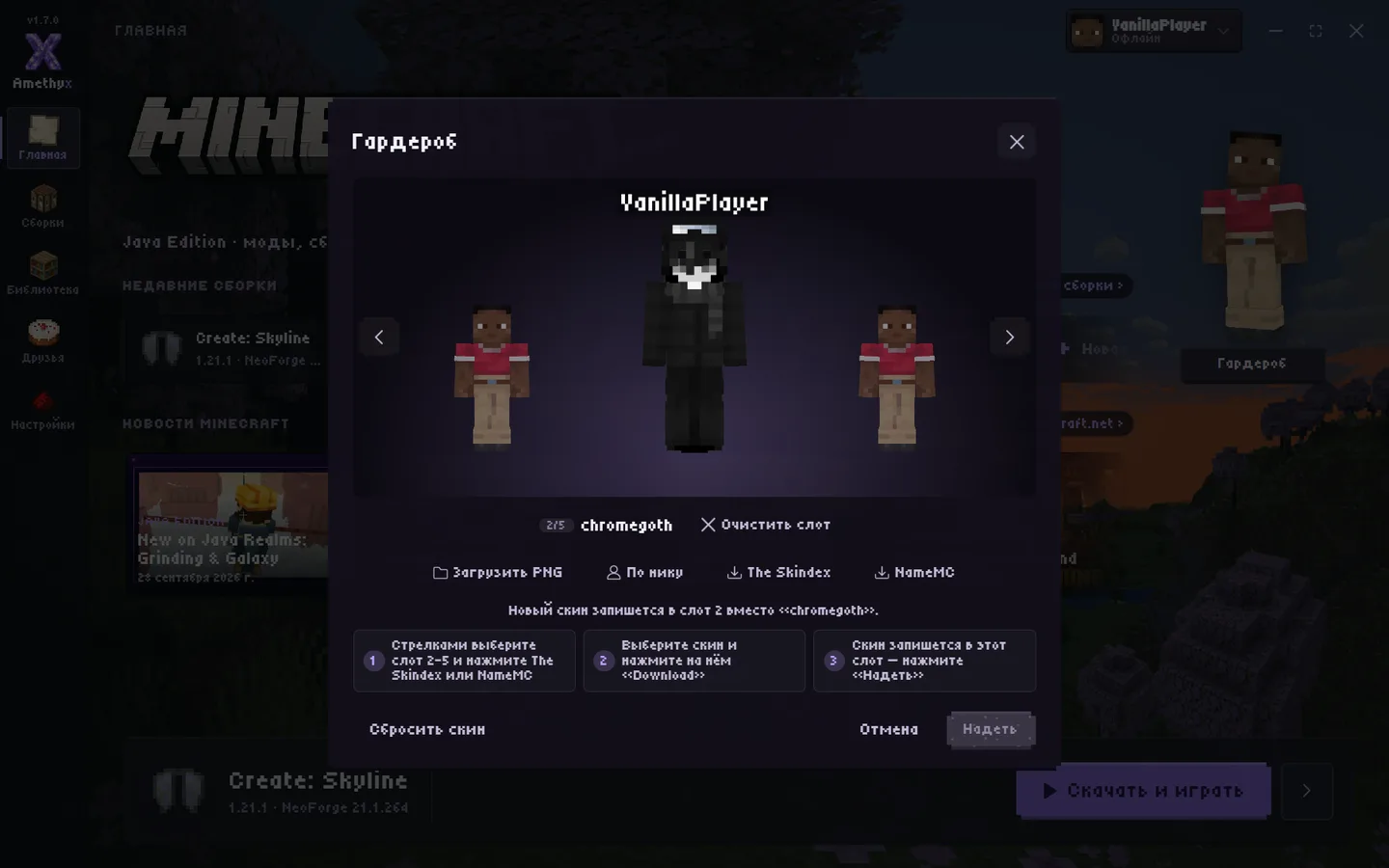
- Wardrobe: skins from a PNG, by player name, from The Skindex and NameMC, 3D preview
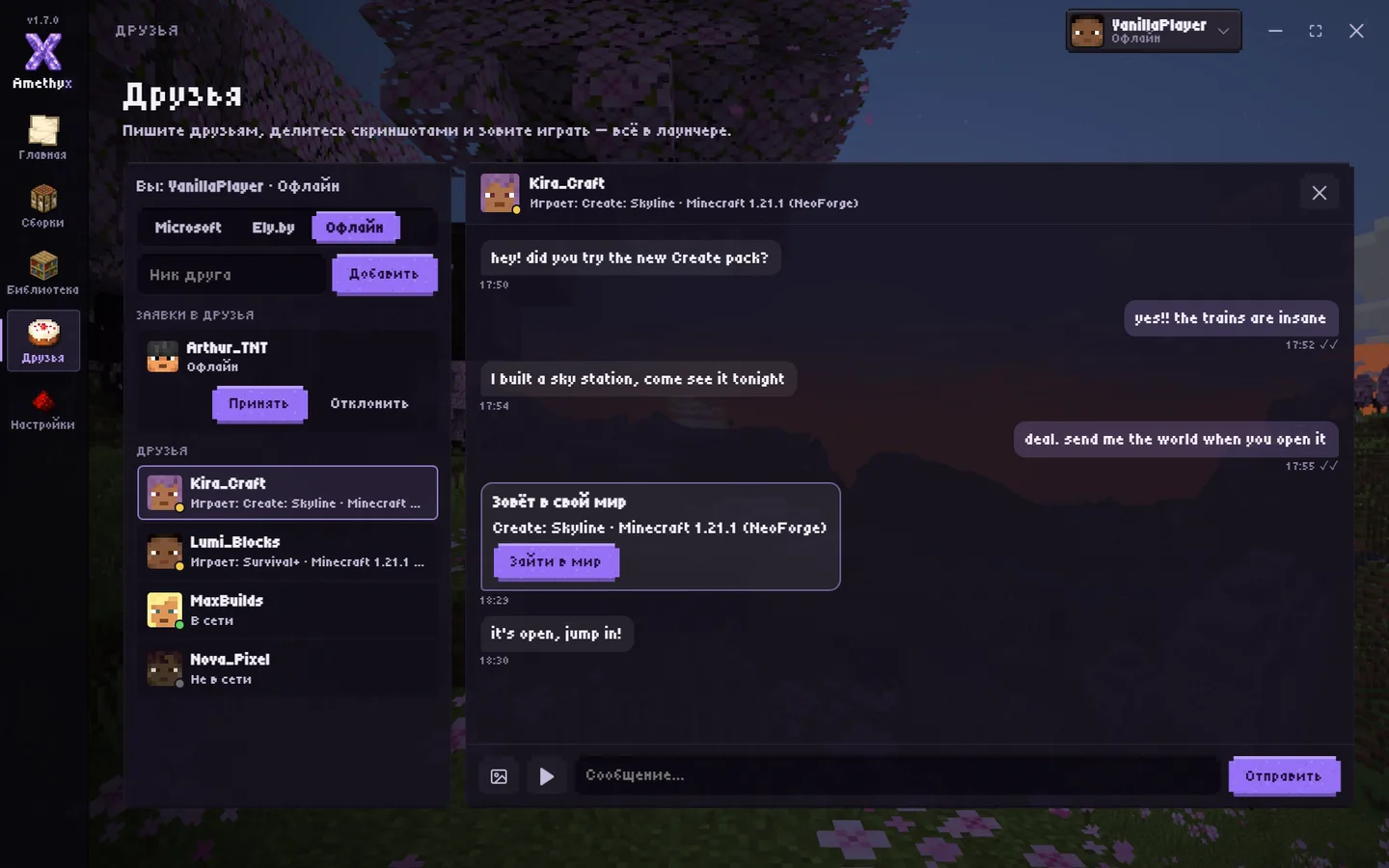
- Friends and chat: who is online and what they play, join a friend’s world without a public IP
- Your own server in one click
- Import instances from TLauncher, Prism, MultiMC, CurseForge and other launchers
- Offline, Microsoft and Ely.by accounts; the launcher updates itself
Getting started
- Click “Download for Windows” and run the installer.
- Open the launcher and add an account: offline, Microsoft or Ely.by.
- Create an instance or pick a ready modpack and click “Play”. The launcher downloads Java by itself.
Screenshots
System requirements
Windows 10 (version 1803 or later) or Windows 11, 64-bit. The launcher is free and open source (GPL-3.0 license).
Our own Minecraft game is coming here soon.