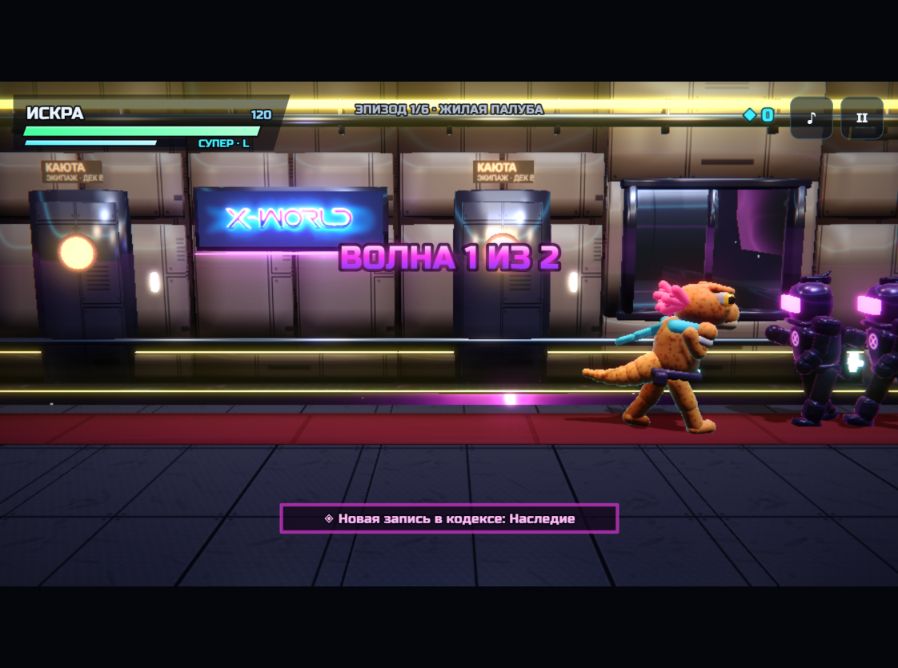
X-GAME · Browser + Android
Defenders of X-City
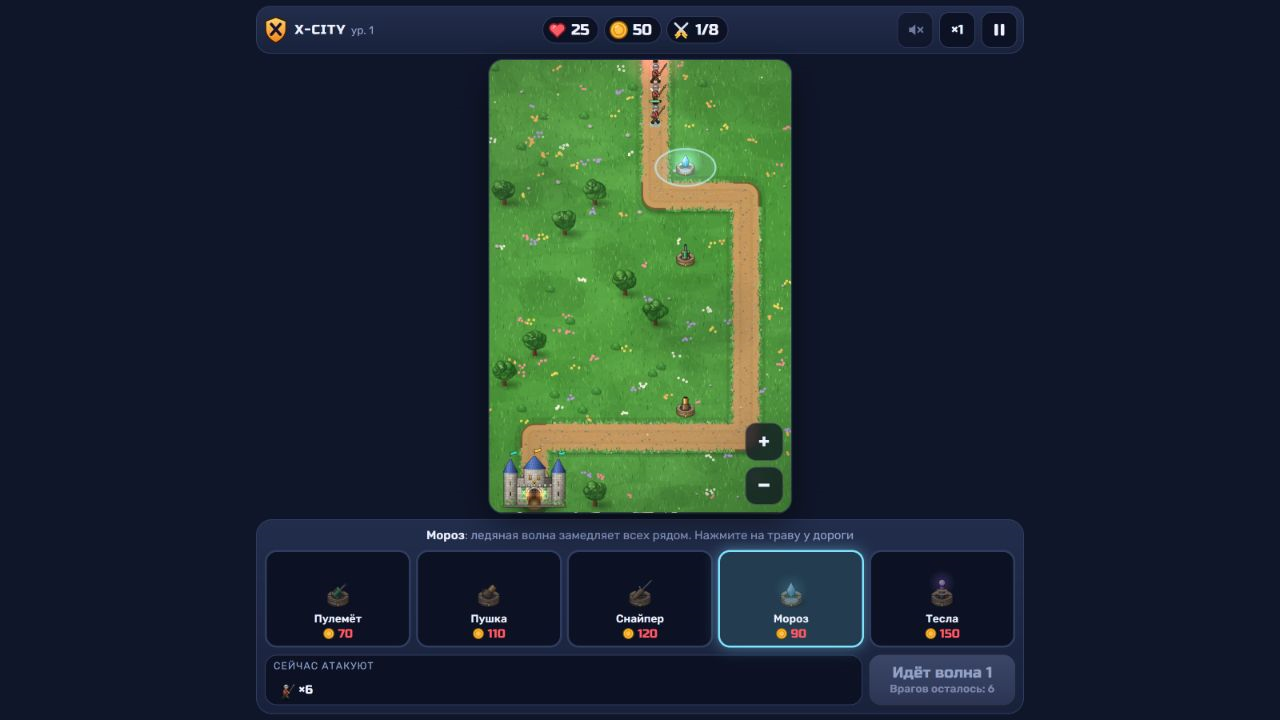
Defend the city: choose towers, upgrade your defenses and explore lands with different conditions.
The browser game opens in a new tab on this portal.
The supplied game interface is in Russian.
Build your line of defense
Machine guns, cannons, sniper towers, frost towers and Tesla towers counter enemies in different ways. Choose locations, build and upgrade towers with their capabilities in mind. Explore difficulty options and varied lands, from a green valley to an icy pass and ancient ruins.
Controls
On a computer, select a cell with the mouse; a second click confirms construction. Keys 1-5 select towers, Space pauses and Esc clears the selection. Zoom with the mouse wheel and drag to move around the enlarged map. On a phone, use taps and pinch gestures.
Your progress
Browser progress is stored in this browser. Android and browser saves are separate; automatic transfer between them is not provided.
Install on Android without Google Play
- Open this page on your Android phone and tap “Download for Android”.
- Wait for the APK download to finish, then open it from Downloads.
- If Android requests permission, open Settings from the prompt and enable “Allow from this source” for the browser or file manager you are using.
- Return to the APK, tap “Install”, then “Open”.
- You can turn off permission to install from this source afterward.
Menu names vary by phone and Android version. Keep Play Protect enabled. If your device blocks installation or reports incompatibility, use the browser version. APK installation is for Android, not iPhone.
To update, download the newer APK and install it over the existing app. If Android rejects the update, do not uninstall the old app before protecting your progress.
 Android version